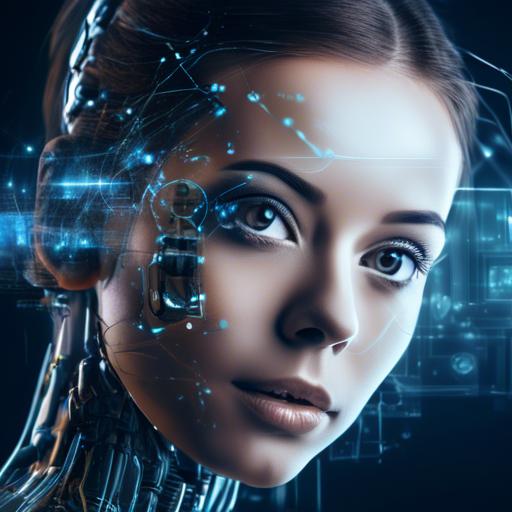
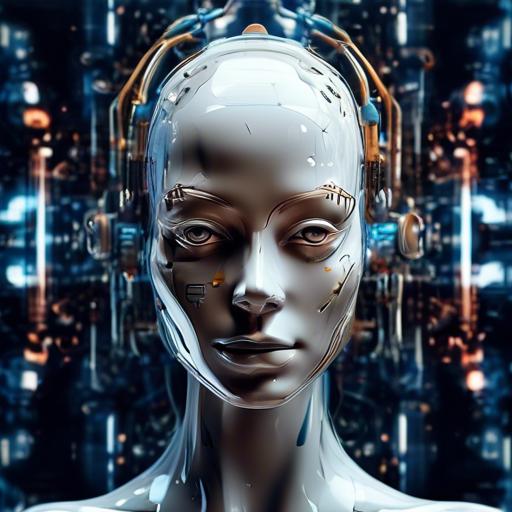
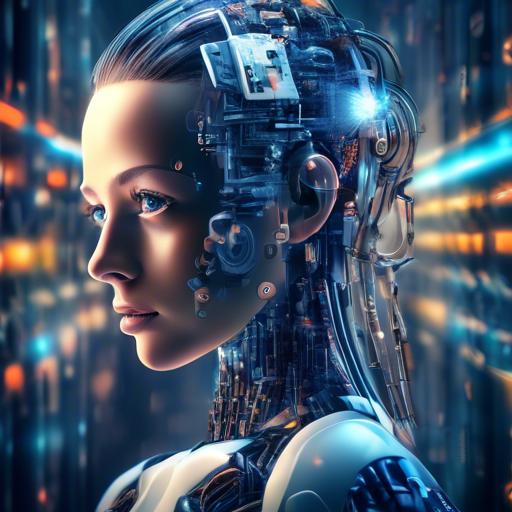
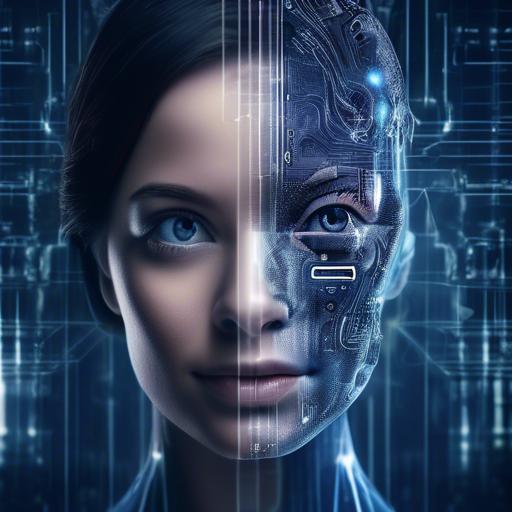
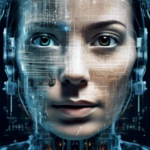
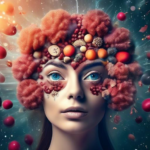
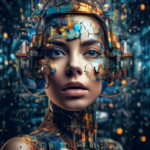
Imagine having the power to paint captivating landscapes, create whimsical characters, or bring surreal visions to life—without ever picking up a brush or mastering the intricacies of traditional artistry. Welcome to the mesmerizing world of AI image generation, where cutting-edge technology meets boundless creativity. Whether you’re a novice dipping your toes into the digital art realm or a seasoned artist seeking a new medium, this guide will walk you through the exciting journey of starting AI image generation as a hobby. Together, we’ll unlock the secrets of artificial intelligence, transform sparks of imagination into stunning visuals, and most importantly, have a blast along the way. Ready to dive in? Let’s embark on this creative voyage together!
AI image generation leverages the power of machine learning algorithms to create stunning visual content from scratch. At its core, AI image generation involves training models on vast datasets of images, allowing them to learn and replicate various styles and features. The most common techniques include Generative Adversarial Networks (GANs) and Variational Autoencoders (VAEs), which are designed to produce high-quality images that can mimic real-world visuals or creative, abstract patterns.
To start your journey, familiarize yourself with platforms like RunwayML, Artbreeder, and DeepArt.io. These tools provide user-friendly interfaces for newcomers and come bundled with pre-trained models, enabling you to produce impressive results even without deep technical knowledge.
Here’s a simple checklist to get you started:
Understand the basic principles of AI image generation (e.g., GANs and VAEs).
Select a suitable platform that matches your skill level.
Experiment with different datasets and styles.
Join online communities to share your creations and get feedback.
Let’s compare a few popular tools to help you decide:
Tool
Key Features
Best For
RunwayML
Easy integration with other software
Beginners and pros alike
Artbreeder
Collaborative art creation
Artists and hobbyists
DeepArt.io
Art style transfer
Creative enthusiasts
As you explore these tools, don’t get discouraged if the results aren’t perfect right away. AI image generation is as much about trial and error as any artistic endeavor. Think of each generated image as a starting point for further refinement. Over time, you’ll develop a keen eye for what works and what doesn’t, and your creations will become increasingly sophisticated.
Engage with online forums and social media groups dedicated to AI art. This can provide not only inspiration but also technical support and feature walkthroughs. As you grow more confident, consider diving deeper into the technical side of AI by learning about neural networks and experimenting with your own model training. These deeper insights will give you more control and customization, immensely enriching your creative process.
Choosing the Right AI Tools and Software
When diving into the world of AI image generation, choosing the right tools and software is critical. The landscape is vast, and selecting the best options can greatly enhance your creative journey. Here’s a guide to help you find the perfect fit for your needs.
**Consider Your Skill Level**:
Beginner: If you are just starting, tools like **DeepArt.io** or **RunwayML** offer user-friendly interfaces and simplified processes.
Intermediate: As you gain confidence, experimenting with more advanced options like **GPT-3** by OpenAI or **DALL-E 2** opens new creative horizons.
Expert: For seasoned hobbyists, **GANpaint Studio** and **NVIDIA GauGAN** provide the power and flexibility to create intricate and highly customized artwork.
**Features to Look For**:
When evaluating AI image generation software, certain features can significantly impact the quality and ease of your work.
Customization: Tools that offer extensive customization settings let you fine-tune images to your aesthetic preferences.
**Community and Support**:
Engaging with a supportive community can provide invaluable insights and troubleshooting help. Many AI tools have dedicated online communities, forums, and comprehensive documentation. Joining these spaces not only enhances your technical understanding but also broadens your creative network.
By considering these factors, you can select the tools and software that align with your artistic goals and technical comfort, setting you up for a fulfilling AI image generation hobby.
Setting Up Your Workspace for Creativity
Creating a space that sparks creativity is essential for diving into the world of AI image generation. To make sure your ideas flourish, consider these key elements for your workspace:
Comfortable Seating: Invest in a chair that supports your back and promotes good posture. This will allow you to work on your projects for longer periods without discomfort.
Proper Lighting: Poor lighting can strain your eyes and kill creativity. Opt for a well-lit room or use adjustable lamps to create the right ambiance.
Organized Desk: Keep your workspace clutter-free with organizers that store your tools, notebooks, and tech devices efficiently.
Choosing the right tools makes a world of difference. Ensure you have a reliable computer with enough processing power to handle image generation software. Pair it with a high-resolution monitor to view your creations in all their glory.
Tool
Importance
High-Performance Computer
Essential for smooth running software
High-Resolution Monitor
Vital for detailed image viewing
Digital Tablet
Helpful for precise edits
Enhance creativity by personalizing your space. Decorate with inspiring artwork, plants, or motivational quotes. A personal touch can make your workspace more inviting and stimulate your imagination.
ensure you have access to the necessary software and resources. Here are some recommended tools and platforms to consider:
AI Image Generation Software: Explore options like DALL·E, MidJourney, or DeepDream.
Online Tutorials: Platforms like Coursera, Udemy, or YouTube offer great tutorials to get you started.
Community Forums: Join online forums and communities to share your work, get feedback, and find inspiration.
Mastering Prompt Engineering
The path to creating stunning AI-generated images starts with understanding how to guide the AI through prompt engineering. Crafting the perfect prompt is akin to providing a detailed road map for the AI, ensuring it produces what you envision. Begin by considering the **key elements and descriptors** you want in your image. Think about colors, themes, styles, and specific objects or characters.
A great way to practice is by leveraging various platforms that offer prompt engineering tools. These tools often have user-friendly interfaces that allow you to experiment without needing to be an expert in coding or AI. Here are a few essential elements to include in your prompts:
Adjectives: Descriptive words that paint a vivid picture.
Subject: The main focus of the image, such as a “purple dragon” or “sunset over a mountain.”
Style: Art styles or photographic techniques, like “watercolor painting” or “HDR photography.”
Context: Any specific setting or background elements, for example, “in a dense forest” or “inside a chic apartment.”
To refine your prompt engineering skills, try creating a few variations and see how the AI responds. For example:
Prompt
Expected Output
“A whimsical garden with glowing fairies at twilight”
Enchanting night scene filled with glowing fairy lights
“A modern cityscape in the rain, under neon lights”
Urban environment with vivid neon signs and wet streets
“A futuristic robot working in a laboratory”
Advanced robot performing tasks in a high-tech lab
Remember, **practice makes perfect**. The more you experiment with different prompts, the better you’ll become at predicting the AI’s responses. Use these exercises as opportunities to unleash your creativity and produce uniquely beautiful images. Whether you aim for photorealism or abstract art, will be your key to unlocking the full potential of AI image generation.
Diving into the world of AI-generated art, you’ll find a myriad of styles to experiment with that add a fresh twist to your creative hobbies. From whimsical, dreamlike landscapes to hyper-realistic portraits, the possibilities are as vast as your imagination. Getting started, though, can sometimes feel overwhelming. Here’s how you can kick off your journey into this fascinating blend of technology and artistry with confidence.
The first step is to choose the right tool or platform for generating AI art. Some popular options include:
DeepArt.io – This tool transforms your photos into artworks inspired by famous artists.
Artbreeder – Ideal for creating collaborative artwork by mixing and blending images.
RunwayML - A more advanced platform offering various machine learning models for creative projects.
Once you’ve picked your tool, it’s time to explore different art styles. Using the tool’s features, you can experiment with blending various styles to see what resonates with your artistic vision. Many platforms provide pre-set styles imitating iconic artists like Picasso or Van Gogh, while also allowing you to upload your own styles for a uniquely personalized touch. This step is all about play—try combining different elements and let serendipity guide your creation.
Moreover, consider experimenting with different input images to see how they transform through the AI’s lens. Some platforms even allow you to tweak specific parameters like color palettes, brushstrokes, or the level of abstraction, giving you finer control over the final output. The key is to embrace the unpredictable nature of AI art generation—each render can yield a surprise that sparks new ideas.
Tool
Unique Feature
DeepArt.io
Transforms photos into artworks
Artbreeder
Collaborative image mixing
RunwayML
Advanced machine learning models
Engaging with online communities can also enrich your experience. Platforms like Reddit, DeviantArt, and dedicated AI art forums are bustling with enthusiasts sharing their creations, tips, and tutorials. By participating in these communities, you not only gain invaluable feedback but also stay updated on emerging tools and techniques. It’s a collective learning environment where each post could spark a new direction for your artistic endeavors.
remember that your journey as an AI artist is a constantly evolving process. Don’t shy away from making mistakes; each one offers a learning curve that sharpens your skills and broadens your horizons. Embrace the experimentation, the surprise elements, and most importantly, have fun with every pixel and brushstroke that comes to life through the AI.
Enhancing Your AI Creations with Manual Edits
When you first dive into the world of AI image generation, the results can be astonishingly good. Yet, there’s always room for improvement and personal touch, which is where manual edits come into play. Tweaking your AI-generated images can elevate them from remarkable to absolutely stunning. Here’s how you can seamlessly blend artisan craftsmanship with automated creation.
Why Edit Manually?
Fine-Tuning Details: AI-generated images can occasionally miss the mark on finer details. Manually adjusting elements like shadows, highlights, and textures can bring out the realism or specific style you envision.
Correcting Errors: While AI is powerful, it’s not infallible. You might encounter random artifacts or inaccuracies that need human correction. Think of it as a quality check, ensuring your final product is polished.
Personalization: Adding your unique flair through manual edits can make your creations stand out. It’s the difference between a mass-produced painting and a custom piece of art.
AI Capability
Manual Edit Enhancements
Basic object rendering
Precise detailing
Color palette generation
Color correction and grading
Initial concept creation
Concept refinement and enhancement
Tools for Manual Edits
Adobe Photoshop: The industry standard for image editing, offering robust tools for every level of adjustment.
GIMP: A powerful, open-source alternative to Photoshop that’s suitable for various edits and enhancements.
Krita: Perfect for those who also enjoy digital painting, providing a range of brushes and tools for artistic touches.
Combining AI-generated images with manual edits not only gives you more control but also enhances your creative expression. Whether you’re fine-tuning a generated landscape to perfect the lighting or adding personal artistic touches to a portrait, the synergy between AI and human input yields unparalleled results. Embrace this hybrid approach to unlock the full potential of your digital artistry.
Sharing your creations online is one of the best ways to immerse yourself in the AI image generation community. Websites, forums, and social media platforms dedicated to AI art offer a welcoming environment to showcase your work and gather feedback. You might consider joining:
**Reddit (r/aiart)**
**ArtStation**
**DeviantArt**
**AI Art Facebook Groups**
Interacting with other hobbyists and professionals in these spaces can inspire you and help you improve your skills. Conversations with more experienced creators can provide valuable tips and techniques you might not have considered.
Another way to build a community is by participating in AI art challenges and competitions. These events, often hosted online, not only offer a platform for sharing but also push you to experiment and think outside the box. Plus, you might even win some cool prizes!
If you have a blog or website, consider creating a dedicated section for your AI art. Use WordPress plugins like **NextGEN Gallery** to show off your images with style. Here’s a simple table to organize your favorite plugins for displaying your work:
**Plugin**
**Features**
**NextGEN Gallery**
Advanced image management and display options
**Envira Gallery**
Drag-and-drop builder, mobile-friendly
**FooGallery**
Responsive image galleries, easy customization
don’t underestimate the power of storytelling. When you share your images, include captions or short stories that reveal the thought process behind your work. This personal touch can resonate with viewers and create stronger connections with your audience. After all, every image has a story, and sharing yours can make your art even more compelling.
Concluding Remarks
Exploring the world of AI image generation as a hobby is an exciting and rewarding journey. With the right tools and techniques, you can unleash your creativity and bring your wildest imaginations to life. So go ahead, dive into the fascinating realm of artificial intelligence and let your imagination run wild. Who knows what amazing creations you’ll come up with next? The possibilities are endless, so don’t be afraid to experiment and push the boundaries of what you think is possible. Remember, the only limit is your imagination. So, what are you waiting for? Start creating and unlocking the endless possibilities with AI image generation today!